Safety 7 min read
Solo Running Safety: 12 Rules Every Runner Should Know by Heart
Route, timing, headphones, medical ID on your lock screen and a live link for someone you trust. 12 rules that make running alone calmer for you and for the people at home.
Published by BEON.RUN ·
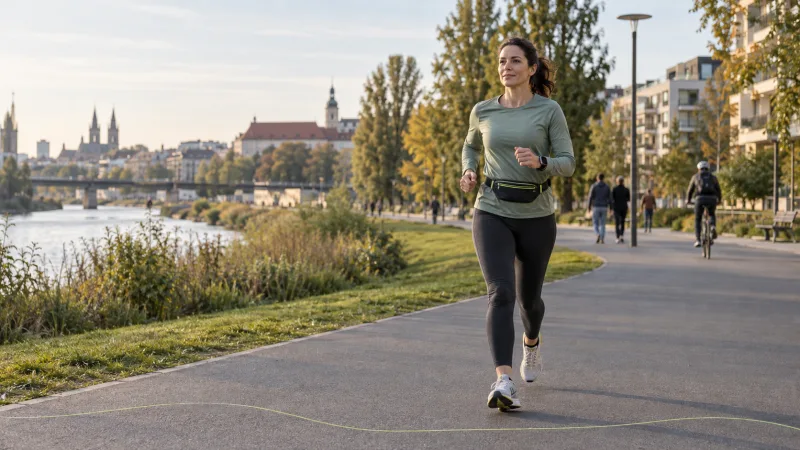
Running alone is training at its simplest: you go when you want, at your own pace, and nobody waits for anybody. It has one weak spot. If something goes wrong, a rolled ankle on a trail, a dizzy spell, an unpleasant encounter, nobody knows where you are.
The good news: most of that risk shrinks with a handful of habits that take under a minute before you leave. Here are 12 rules worth knowing by heart, plus the modern layer that lets someone you trust watch your run live.
Rules 1-4: before you leave the house
1. Run routes you know, explore new ones in daylight
For solo runs, pick places with other people around: riverfronts, parks with lit paths, neighborhood loops, popular greenways. Scout a new route first in daylight, ideally on a weekend morning when it is busy.
Notice three things: the nearest street with an address, where your phone loses signal, and which stretches have no lights. That is enough to know where to head and what to tell a dispatcher if something happens.
2. Match the time to the place
The same park loop on Saturday at 9 a.m. and on Tuesday at 9:30 p.m. are two different routes. Once the clocks go back, move evening runs to lit streets and busier paths. More on that in our guide to running in the dark and in winter.
3. Tell someone: where, which way, back by when
This is the most important rule on the list. A short text is enough: "Running 10K, river loop to the bridge and back, home by 7:15." Without a return time, the message is close to useless, because nobody knows when to start worrying.
Agree on a simple protocol too: if you have not checked in 30 minutes after your return time, they call. If you do not pick up, they check your last known location and, if needed, call emergency services.
4. Put emergency contacts and medical info on your lock screen
A paramedic or a passer-by cannot unlock your phone. Your emergency contact and basic medical info need to be reachable without a passcode:
- iPhone: Health app, Medical ID, turn on "Show When Locked".
- Android: Settings, Safety & emergency (or About me), add emergency contacts and medical information.
Add blood type, allergies, medication and chronic conditions. If you have diabetes, epilepsy or a heart condition, also wear an ID band or carry a card.
Rules 5-8: on the run
5. Be visible, not just bright
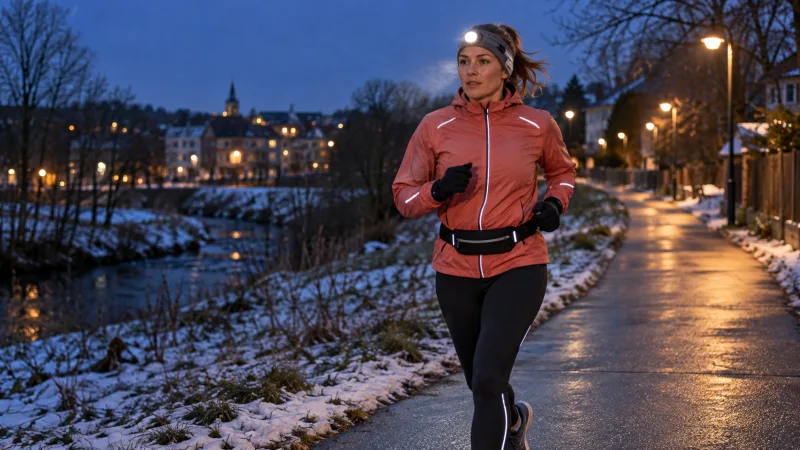
After dark, light beats color. A headlamp or chest light, reflective bands on ankles and wrists (movement catches a driver's eye), a light jacket. A practical test: if you cannot see the driver's face, the driver probably cannot see you.
On roads without a sidewalk, run facing traffic, so you see what is coming and can step aside.
6. Headphones: hear the world or turn it down
Music helps, but it cuts out warning signals: a bike bell, a car reversing out of a driveway, a dog. Keep the volume low enough to hear your own footsteps, or run with one earbud. Open-ear bone conduction headphones keep your ears free.
On bike paths and roads without a sidewalk, switch music off completely.
7. Trust your gut
If something feels off, the same person by the path for the second time, a car crawling behind you, an empty underpass, you do not need to justify it. Turn around, cross the street, head toward people, a shop or a gas station. Changing your route costs a few minutes. Ignoring the signal can cost more.
8. Break your routine
Same time, same route, same start from your front door: to someone watching, that is a predictable pattern. Change the loop direction, the start time and the starting point. Start from the park one day, from the other side of the neighborhood the next.
Rules 9-12: phone, data and privacy
9. Carry your phone where you can reach it
Your phone is your lifeline. Leave with at least 50-60 % battery, and bring a small power bank on long runs. Carry it where one hand can reach it, in a waist belt or vest, not at the bottom of a backpack. We compared the options in how to carry your phone while running.
10. Do not publish where you live
A run map that starts and ends at the same spot every morning at 6:30 tells strangers a lot. When you share activities, hide the start and end, or start recording a few hundred meters from home. Check who can see your profile and activities.
11. Carry a tiny "just in case" kit
No backpack needed. These fit in a belt:
- a card or a little cash (a ride home if an injury stops you),
- a whistle: it carries farther than shouting and does not tire your voice,
- a tissue and a small blister plaster,
- water and a gel or candy on runs over an hour,
- any rescue medication you use, such as an inhaler.
12. Know the emergency number and how to give your location
The dispatcher will ask where you are. Learn to find your coordinates: in Google Maps, press and hold the blue dot; in Apple Maps, tap it and scroll. The trail name and nearest cross street help too. what3words is used by some services, but coordinates work everywhere.
Solo run safety checklist
| What | Why | Time |
|---|---|---|
| Text: route + return time | someone knows when to act | 20 s |
| Battery at least 50-60 % | your phone is your lifeline | 0 s |
| Medical ID on lock screen | responders cannot unlock your phone | once, 5 min |
| Light and reflectives after dark | drivers see you sooner | 30 s |
| Headphones at low volume | you hear bikes, cars, dogs | 5 s |
| Whistle, card or cash, tissue | ride home, signal, small fixes | 0 s (live in the belt) |
| Water and gel on runs over 60 min | dizzy spells happen more than you think | 30 s |
| Live link sent to a trusted person | they see where you are without calling | 15 s |
The modern layer: someone you trust sees your run live
"Home by 7:15" tells someone when to worry. It does not tell them where to look. Live tracking fills that gap: the other person opens a link and sees where you actually are, not just the plan.
With BEON.RUN you start an activity in your phone's browser and send one link. Your person opens it in any browser, with no account and no app to install, and sees a live GPS map with the route so far, distance, time and pace. The position updates every few seconds.
The camera is optional. You can run with the map only and switch on video when you want, on a beautiful stretch or to show exactly where you are. Your people can also send chat messages, which can be read aloud in your headphones, so you never have to pull out your phone.
Honest limits
Tracking you can rely on starts with knowing where it stops:
- The screen has to stay on. In a mobile browser, locking the screen or switching apps can pause GPS and the camera. BEON.RUN keeps the screen awake (Screen Wake Lock), but do not lock the phone yourself.
- Battery and data. The map alone uses little. Video uses a lot of battery and data, up to roughly 0.7 GB of upload per hour at the top quality.
- GPS has weak spots. Dense downtowns, tunnels and deep valleys reduce accuracy.
- It is not an alarm. Nobody gets an automatic alert if you fall. That is why rule 3, a return time and an agreed reaction, still applies.
Set it up in 60 seconds
- Log in in your phone's browser, or create a free account.
- Choose a run, set visibility to unlisted and pick a privacy trim, for example 500 m.
- Send the link to your trusted person together with your return time.
- Decide whether to turn on the camera or run with the map only.
- After the run, check the activity ended correctly and text "home".
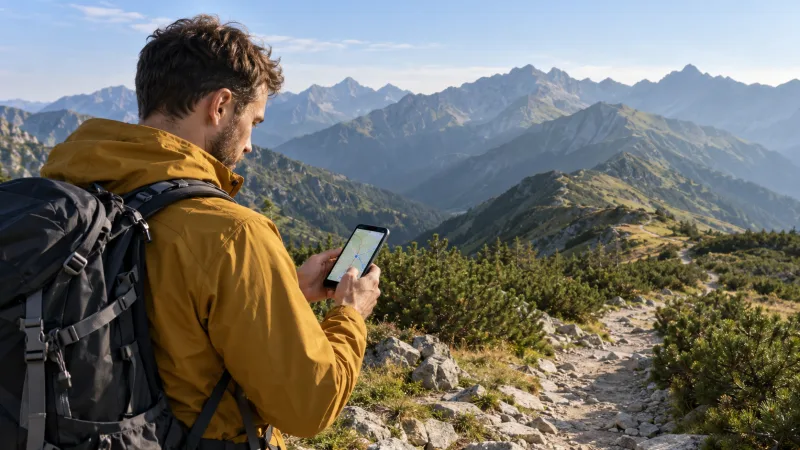
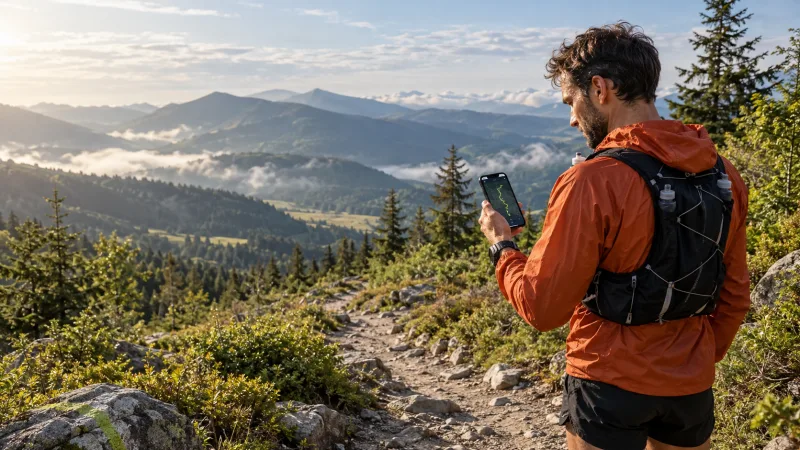
Nobody on the other side needs to install anything. To show your family what it looks like from their side, see the guide on how to track a runner live. Heading for the hills? Read trail and mountain runs with a live link, where signal and a GPX plan matter even more.
Common mistakes
- "Back in an hour" with no route. A time without a place only gives your family anxiety.
- Starting at 15 % battery. The phone dies exactly when you need it.
- Public activities that start at your door. Hide the start or limit visibility.
- Loud music on a bike path. The easiest way to miss a warning.
- Link sent, no agreed reaction. Tracking only helps if someone knows what to do when the dot stops moving.
Running alone does not have to mean being alone if something goes wrong. A few habits, one text with your return time and a link for one trusted person let you focus on what you went out for: the run.
Frequently asked questions
Is it safe to run alone?
For most people, yes, with a few habits: a familiar, busy route, someone who knows where you are and when you will be back, a charged phone, and headphones you can hear the world through. The biggest real risk is an injury or fainting where nobody is looking for you, so a route plan and a return time matter more than any gadget.
How can someone track me while I run?
Use your phone's built-in location sharing (Find My, Google Maps) or start an activity with a live link, for example in BEON.RUN. The person opens the link in any browser without an account and sees a map, the route so far, distance and pace, and optionally live video. Send the link before you start and agree on when they should act.
Should I wear headphones when running alone?
You can, as long as you can still hear your surroundings: volume low enough to hear your own footsteps, one earbud only, or open-ear bone conduction headphones. Turn music off completely on bike paths, roads without sidewalks and in the dark. Your ears often pick up a bike, a car or a dog before your eyes do.
What should I carry on a solo run?
A charged phone, emergency contacts and medical info visible on the lock screen, a card or some cash, a whistle, a light or reflective gear after dark, and water plus some sugar on runs over an hour. If you have allergies, diabetes or another condition, also wear an ID band or carry a note.
What number do I call in an emergency on a run?
911 in the US and Canada, 112 anywhere in the EU (it also works on most phones elsewhere), 999 in the UK, 000 in Australia. Tell the dispatcher where you are: trail name, nearest street or the coordinates from your map app. Tracking apps, BEON.RUN included, are not emergency services and will not call help for you.
Let your people follow your route live
Video, GPS map and pace in one link. Viewers need no app and no account.