

Replay & recordings · PLATINUM
Relive your run – video, route and chat
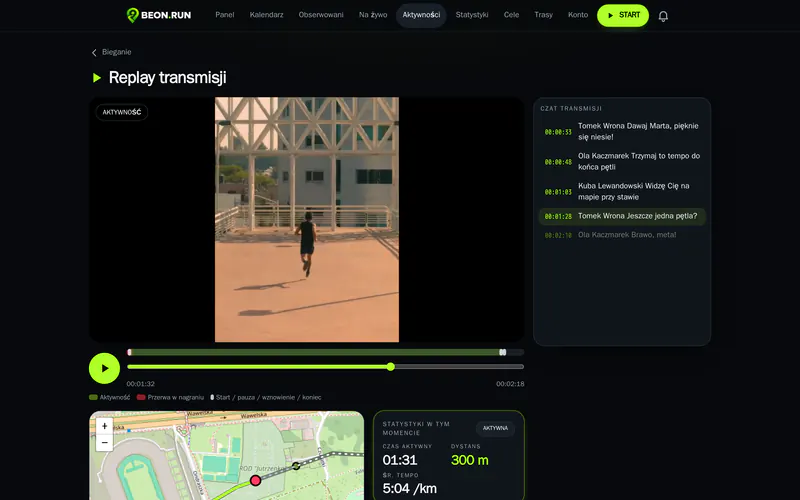
Your stream is recorded as you run. Back home, play it in the replay: video, map marker, pace and chat messages move together.
- Recording while you stream
- A replay synced with your route
- Private recordings, just for you
How it works
- 1 Turn on recording before you go live
- 2 Run – the recording saves automatically
- 3 Open the activity replay after your run
Recording takes care of itself
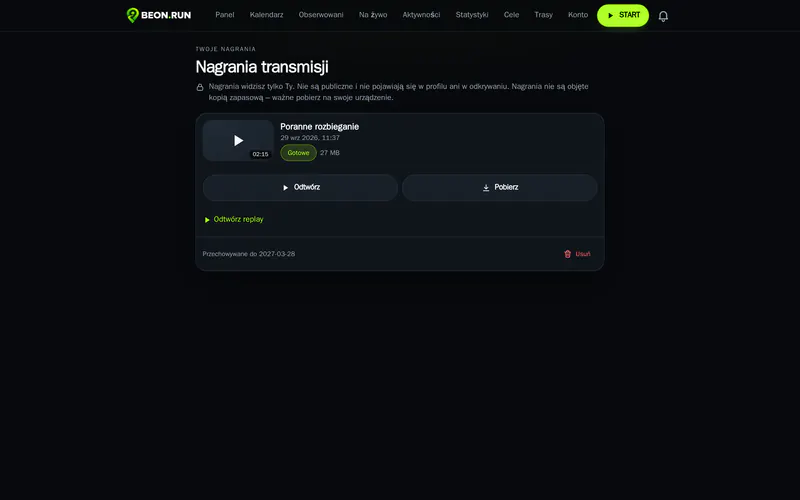
Turn on recording before you go live and run. If the signal drops for a moment, recording resumes together with the stream.
- Recording from the start of the stream
- Play back and download your recording
- Kept according to your plan
Replay, kilometre by kilometre
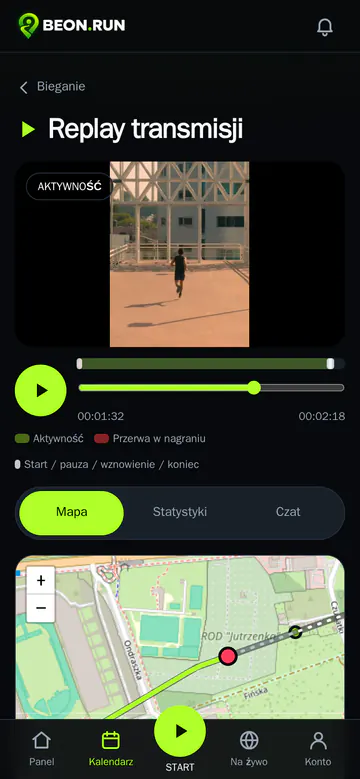
Scrub through the recording and the marker moves along the route. See your pace and distance at that moment, and the messages fans wrote right then.
- Video, map and stats on one timeline
- Chat messages at the moment they were sent
- Scrub by video or by route
Your recordings belong to you
Only you see your recordings and replays. Download or delete them any time.
Learn more
Recordings are not backed up – download the ones you want to keep.
Replay works for activities without a recording too – it then plays back the route, stats and chat without video.
A recording can have several parts if the stream was interrupted by a signal drop – the replay moves between them automatically.
Questions & answers
Who can see my recordings?
Only you. Recordings and replays are private.
How long are recordings kept?
According to your plan – 180 days on PLATINUM. Download them to keep them longer.
Can I download a recording?
Yes, as a video file.
Does replay work without a recording?
Yes – it then plays back the route, stats and chat, without video.
Your next run can be live
Create a free account and send your first link before your next workout.