
Live streaming
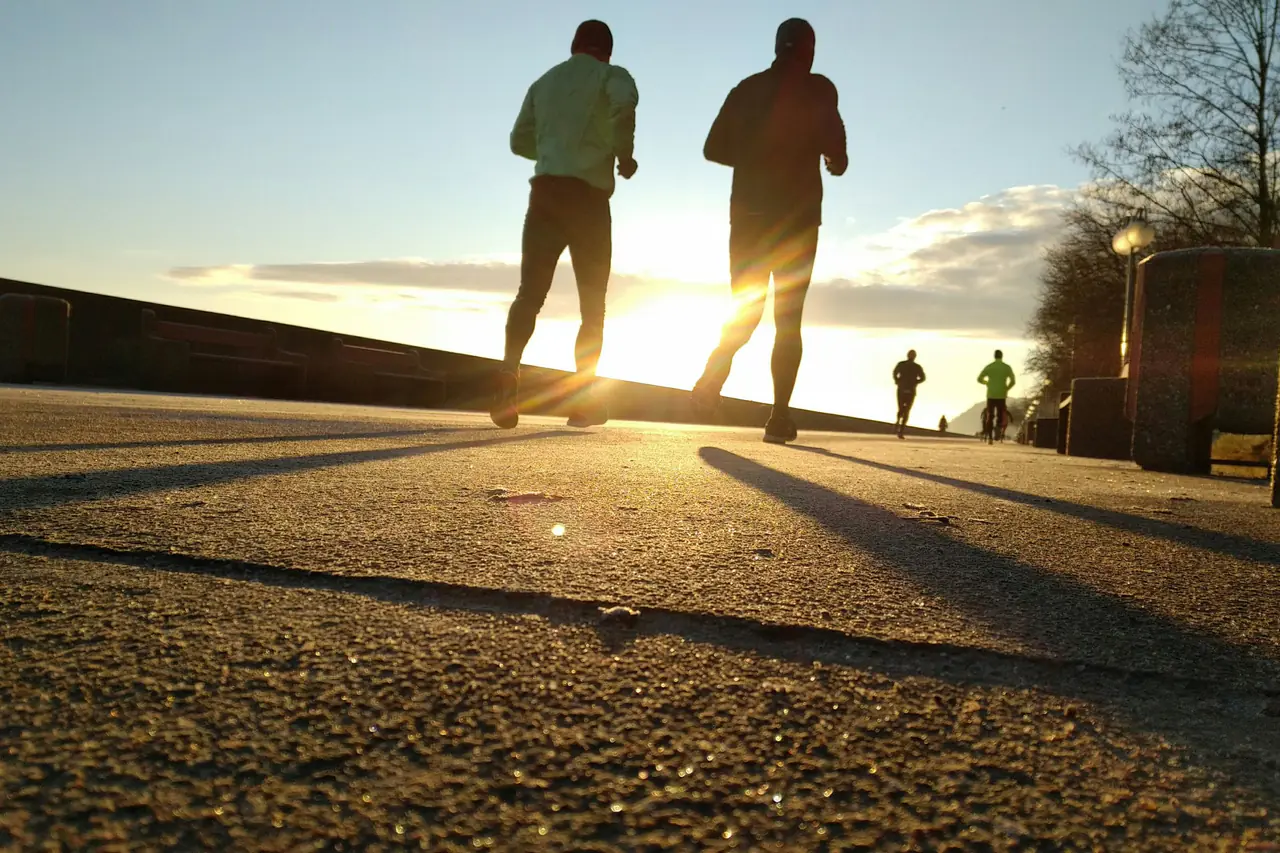
Stream your run live, straight from your phone
One tap in your phone's browser and you're live. Viewers get a link with video from the course, a map, pace and distance – on a phone, a laptop or a TV.
- Stream from your phone, no extra gear
- Watch in any browser – no account, no app
- Video, map, pace and chat in one link
How it works
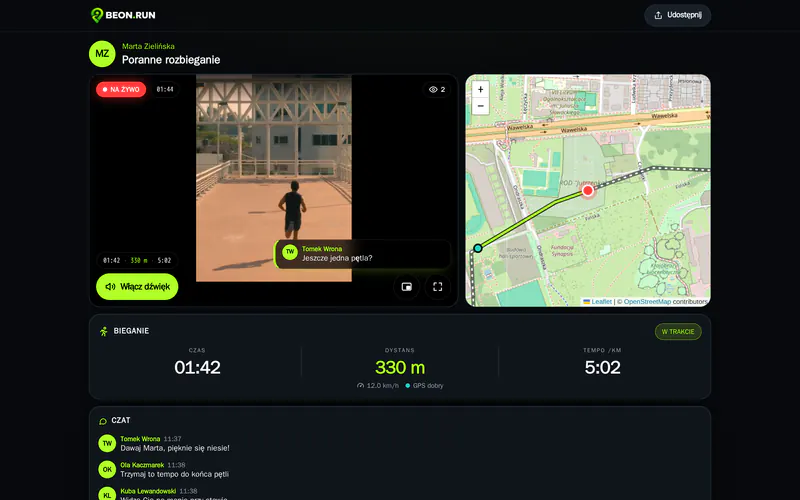
- 1 Pick an activity and turn on the camera
- 2 Check the preview and press START LIVE
- 3 Send the link – viewers watch in the browser
Go live in seconds
Open BEON.RUN, allow camera, microphone and location, check the preview – and only then go live. Nothing reaches viewers until you press START.
- Preview before you start
- Front and back camera, mute the mic
- The screen stays on while you stream
Viewers see more than video
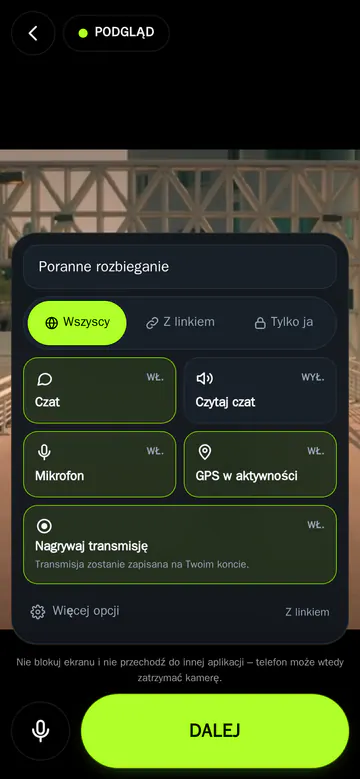
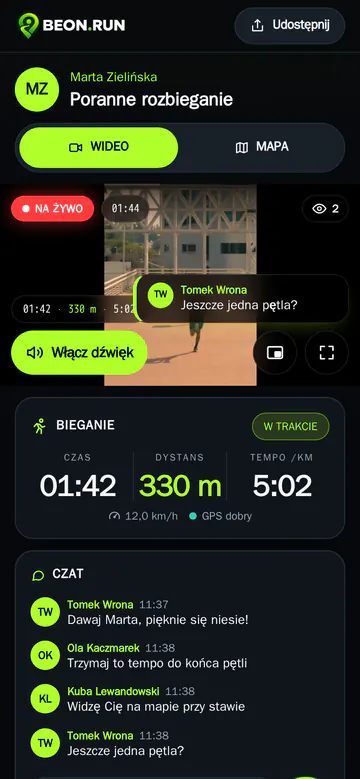
Next to the stream there's a map with your position and route so far, with time, distance and pace below. Viewers always know where you are.
- Map and stats updated live
- Chat with fans, even without an account
- Full screen, plus VIDEO / MAP tabs on phones
Weak signal? The stream comes back on its own
Coverage varies along the way. When the network drops for a moment, BEON.RUN reconnects automatically and viewers don't have to refresh. GPS points wait on your phone and reach the map once you're back online.
Learn more
Make your stream public – shown in discovery and on your profile – or link-only. On PREMIUM and PLATINUM you can also stream privately.
Video quality adapts to your connection. On the run, stability matters more than resolution, so BEON.RUN favours smooth video even on a weak signal.
Mobile browsers stop the camera when the screen locks. BEON.RUN keeps the screen on while you stream and tells you honestly when the system interrupts the video.
Questions & answers
Do viewers need an app or an account?
No. A link and a browser are enough – on a phone, a laptop or a TV.
How long can a stream last?
It depends on your plan: FREE and PREMIUM have a stream time limit, PLATINUM has none.
Can I stream GPS only, without video?
Yes. A GPS activity works without the camera – viewers then see the map and stats.
Does streaming work on iPhone?
Yes, in Safari – and in Chrome on Android. BEON.RUN runs in the browser, nothing to install.
Your next run can be live
Create a free account and send your first link before your next workout.